

Custom Publish URLs require a paid plan. Upgrade
here.
How It Works
By default, you are assigned a random website address hosted by Magic Patterns. But using the “Publish” button, you can assign a custom website address to your design. For example, using our Custom Publish URL feature, if you wantmy-portfolio as your website address, your site will be live at project-my-portfolio.magicpatterns.app.
How to Publish to a Custom URL
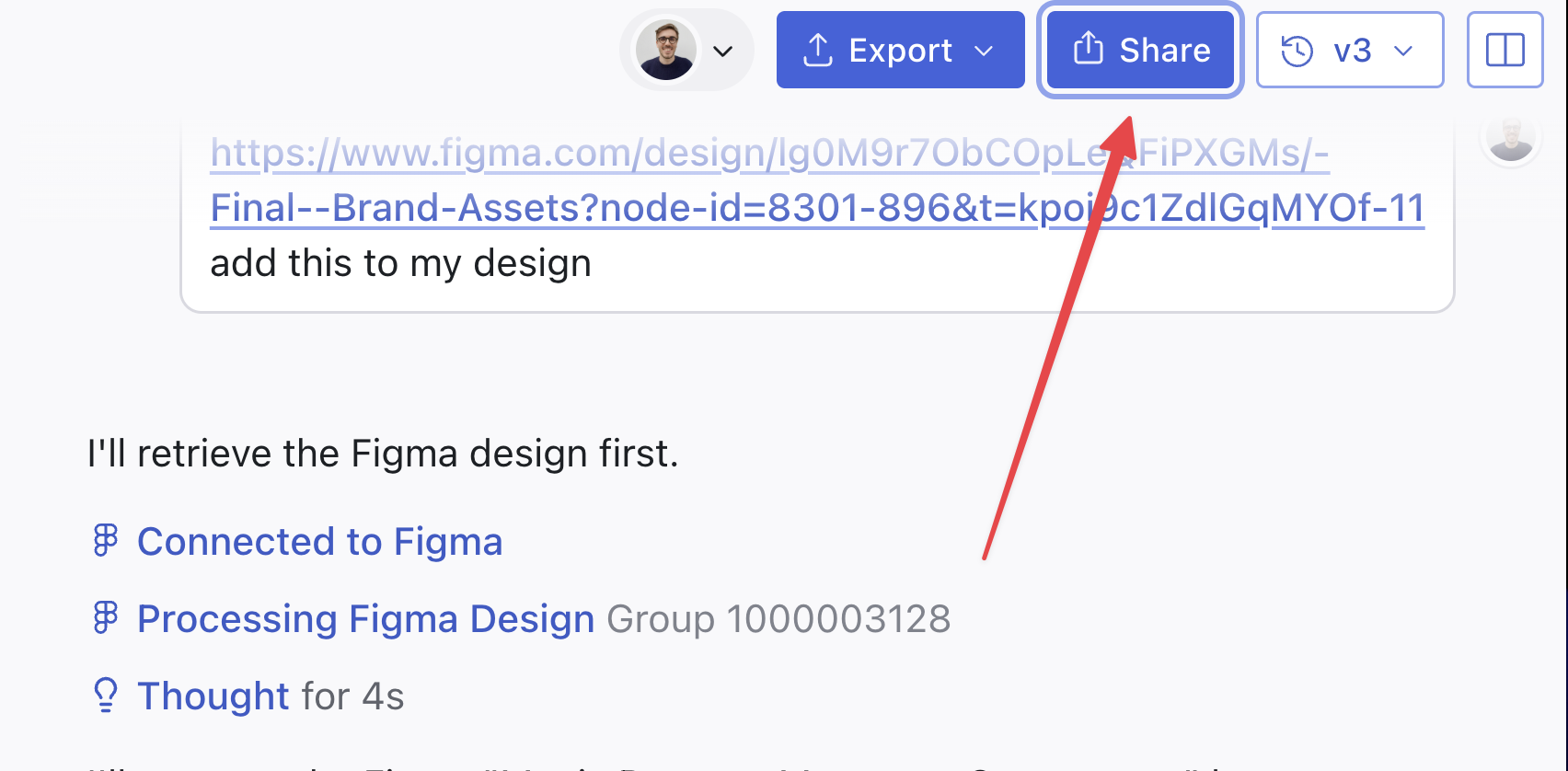
Enter your preferred website address (slug)
In the Publish modal, enter a name for your custom URL in the “Add Custom Publish URL” section.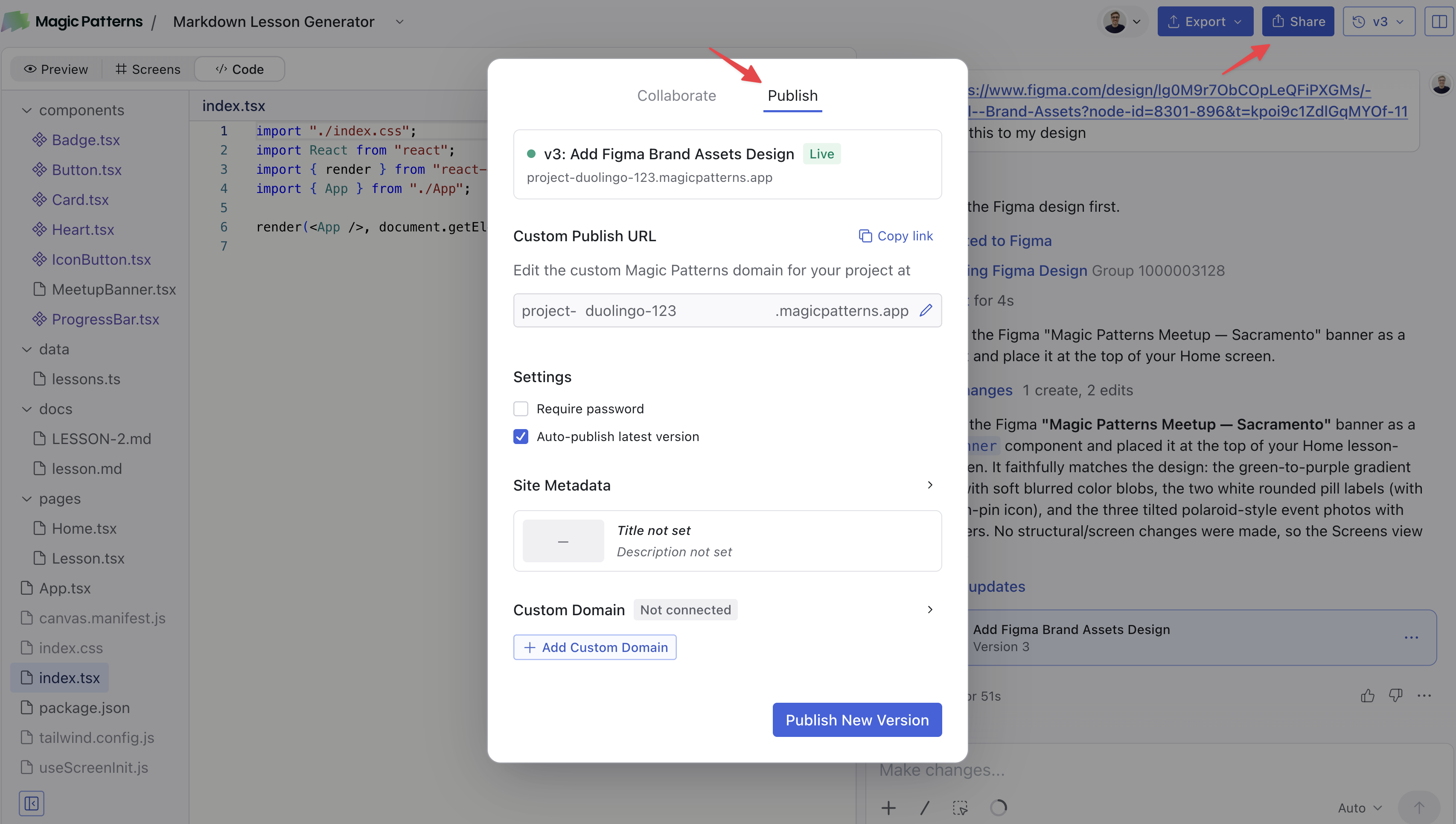
Changing Your Website Address
You can change your website address at any time by going back to the Publish panel and entering a new one.Next Steps
Ready to use your own domain not on*magicpatterns.app? See Host on a Custom Domain for instructions on connecting a domain you own.